Updated September 2026
Wonaco Mobile Casino and Browser Experience
 Available in AU
Wonaco can be used through a mobile browser. The current site exposes the same broad product areas seen on desktop, including Casino, Live Casino, Sports, account controls and support. Wonaco also publishes a mobile shortcut guide for Android and iOS that explains how to add the website to a device home screen. That shortcut behaves like a convenient launcher for the website; it is not the same as a separately listed native app.
No official Wonaco listing was found in the Apple App Store or Google Play. Mobile access should therefore be treated as browser-based unless Wonaco appears in an official iOS or Android store listing. If the product later appears in an official store, that status should be checked directly against the store listing rather than inferred from a download button or home-screen shortcut.
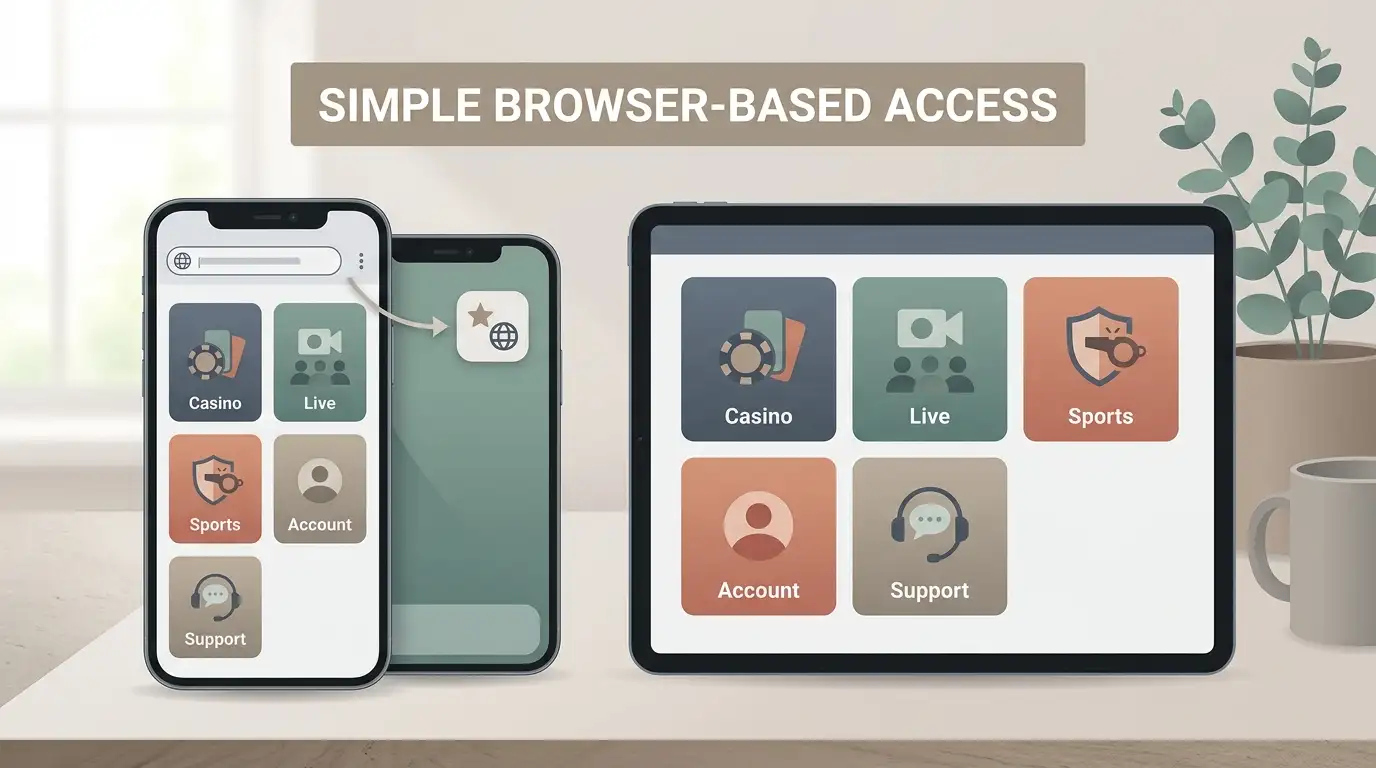
Table of Contents
- Browser access is the main mobile route
- Wonaco publishes home-screen shortcut instructions for Android and iOS
- No official native app was found in the major app stores
- The casino lobby is usable from mobile browser pages
- Live casino is more demanding on a phone
- The sportsbook also runs through the web product
- Account and support tasks remain part of the same browser experience
- A home-screen shortcut does not create a different regulatory status
- Do not install lookalike apps without verification
- Practical mobile checklist
- How to interpret Wonaco’s mobile offering
- References
Browser access is the main mobile route
Wonaco’s current AU-facing site is available through standard web pages that expose the same main sections as the desktop version. The public game lobby includes Casino, Live Casino and Sports, and account or support actions are part of the same web environment. That makes a mobile browser the clearest description of how the service is used on a phone or tablet.
This distinction matters because casino review pages often use the word “app” loosely. A website saved to the home screen can look app-like because it launches from an icon, but the underlying product is still a browser-based web experience. Without an official App Store or Google Play listing, it should not be described as a native application.
Wonaco publishes home-screen shortcut instructions for Android and iOS
Wonaco’s own shortcut guide gives separate instructions for Android and iOS. On Android, it tells users to use the browser menu and choose the option to add the site to the home screen. On iOS, it instructs users to use the share menu and then add the site to the home screen. The result is an icon that provides direct access to the website.
This is useful for users who want faster access without typing or bookmarking the address each time. It also explains why a shortcut can visually resemble an installed app even though it is still tied to the web version. The shortcut should therefore be described as a browser convenience feature, not as proof of native-app availability. The shortcut does not change that underlying delivery model.
No official native app was found in the major app stores
The Apple App Store and Google Play did not show an official Wonaco listing that could be clearly tied to the casino. Unrelated apps with similar names or generic casino language should not be treated as official Wonaco software unless the listing clearly identifies the operator and brand.
This is an area where caution is useful because installing the wrong application can expose users to phishing, credential theft or fake payment prompts. If Wonaco later publishes an official app, the correct verification route is the official store listing combined with a clear link from the operator’s own site. Until then, browser access and the home-screen shortcut are the supported description.
The casino lobby is usable from mobile browser pages
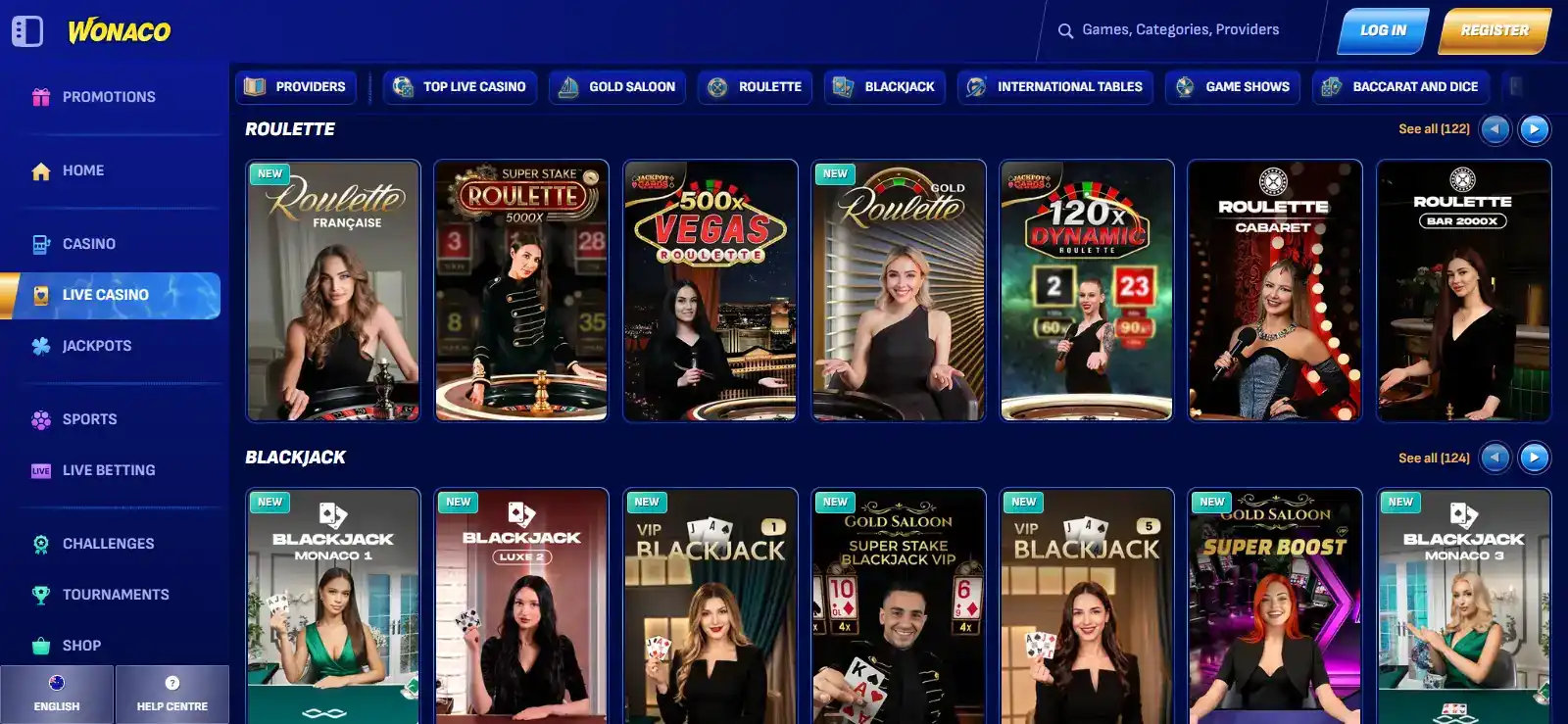
The current Wonaco game lobby is structured with category navigation such as Pokies, Live Games, Table games, jackpots and broader discovery filters. Those same sections are part of the web product, which means they can be reached from a mobile browser without requiring a separate native application.
On a smaller screen, the main difference is not the existence of the catalogue but how much of the interface is visible at once. Horizontal filter bars, long game rows and dense navigation can require more scrolling or tapping than on desktop. A user should focus on category selection rather than expecting the entire catalogue to fit comfortably on one screen.
For the game structure itself, see the Games and Pokies page rather than duplicating the catalogue here.
Live casino is more demanding on a phone
Live casino games add continuous video streaming on top of the normal betting interface. That makes connection quality more important than it is for many standard pokies or software-driven table games. A weak connection can create visible buffering, delayed updates or reduced clarity in a streamed table.
On mobile, screen size also matters. Betting areas, table information and live video compete for the same display space. The experience can still be practical, but it benefits from a stable connection and a screen large enough to read the table controls comfortably. These are general interface considerations rather than a claim that Wonaco guarantees a particular frame rate, latency or mobile performance level.
The sportsbook also runs through the web product
Wonaco presents Sports as a separate top-level area alongside Casino and Live Casino. The sports product and live-betting navigation are part of the same web ecosystem, so a phone user does not need a native app to reach those sections.
A sportsbook is naturally dense on smaller screens because event lists, markets and odds can change quickly. Mobile use therefore rewards selective navigation: choose the sport or event first, then inspect the relevant market rather than trying to view a large desktop-style market board all at once.
The dedicated sportsbook page covers current promotions and Australian licensing context separately. This mobile page does not repeat those details because they change for reasons unrelated to device type.
Account and support tasks remain part of the same browser experience
Registration, login, account controls and support are web-based parts of the Wonaco environment. A mobile user can therefore move between games, account settings, payment areas and support without installing a separate native app. The current site also advertises 24/7 live chat as a support channel.
On a phone, switching between a cashier, document upload, game page and support conversation can be less convenient than on a larger screen. This is a task-flow issue rather than a missing feature. If a task involves uploading verification documents or comparing multiple pieces of account information, a larger screen can make it easier to review what is being submitted.
For account rules, use the Account and Registration page.
A home-screen shortcut does not create a different regulatory status
Adding Wonaco to a phone’s home screen changes convenience, not legal status. It does not convert a browser service into an Australian-licensed app or make the product locally authorised. ACMA has named Wonaco in a website-blocking action, and that regulatory record is separate from whether a user can create a shortcut icon.
This is another reason to keep product access and regulation separate. A site can be technically mobile-friendly and still sit outside Australia’s licensed framework. The mobile experience answers “how does the interface work on a phone?” It does not answer “is the operator authorised in Australia?”
Do not install lookalike apps without verification
Because no official native Wonaco store listing was found, users should not assume that an app with a similar name, casino theme or sportsbook description is related to Wonaco. App stores can contain unrelated products with overlapping branding words or generic gambling names.
For a future native app, look for a matching official store listing, an operator name connected to Wonaco and a direct link from the official Wonaco site. Without those signs, the browser version is the safer option to identify as official.
Practical mobile checklist
- Use the browser-based site rather than assuming a native app exists.
- Treat the home-screen shortcut as a website launcher, not an app-store installation.
- Use category navigation to reduce scrolling in the casino lobby.
- Prefer a stable connection for live dealer video.
- Check account and payment details carefully on a small screen before confirming actions.
- Do not install similarly named gambling apps unless the listing clearly identifies the official operator and is linked from Wonaco.
- Use a larger screen if a verification task requires comparing multiple documents or account fields.
How to interpret Wonaco’s mobile offering
The mobile setup is straightforward. Wonaco works as a browser-based service across its main product areas and publishes instructions for adding the site to Android and iOS home screens. That gives users quick mobile access without requiring a separate native application.
Native app-store availability is less clear. Because no official Wonaco App Store or Google Play listing was found, users should not assume one exists. That browser-versus-native distinction is the most important fact for readers who search for a “Wonaco app”.
For the overall product and regulatory context, see the Casino Australia Review 2026. If mobile access changes later, the first things to check are the official Wonaco site and the two major app stores, because shortcut instructions and native-app availability are separate facts that can change independently.
References
- Wonaco – AU game lobby
- Wonaco – home-screen shortcut instructions
- ACMA – Wonaco website-blocking action, 21 May 2026
Created by the ”Wonaco Casino” editorial team.